Educational only. This guide shows a general way to organize receipts. The expense categories are examples for bookkeeping, not tax categories, and this guide does not say which expenses are deductible. Examples are fictional.
Short answer
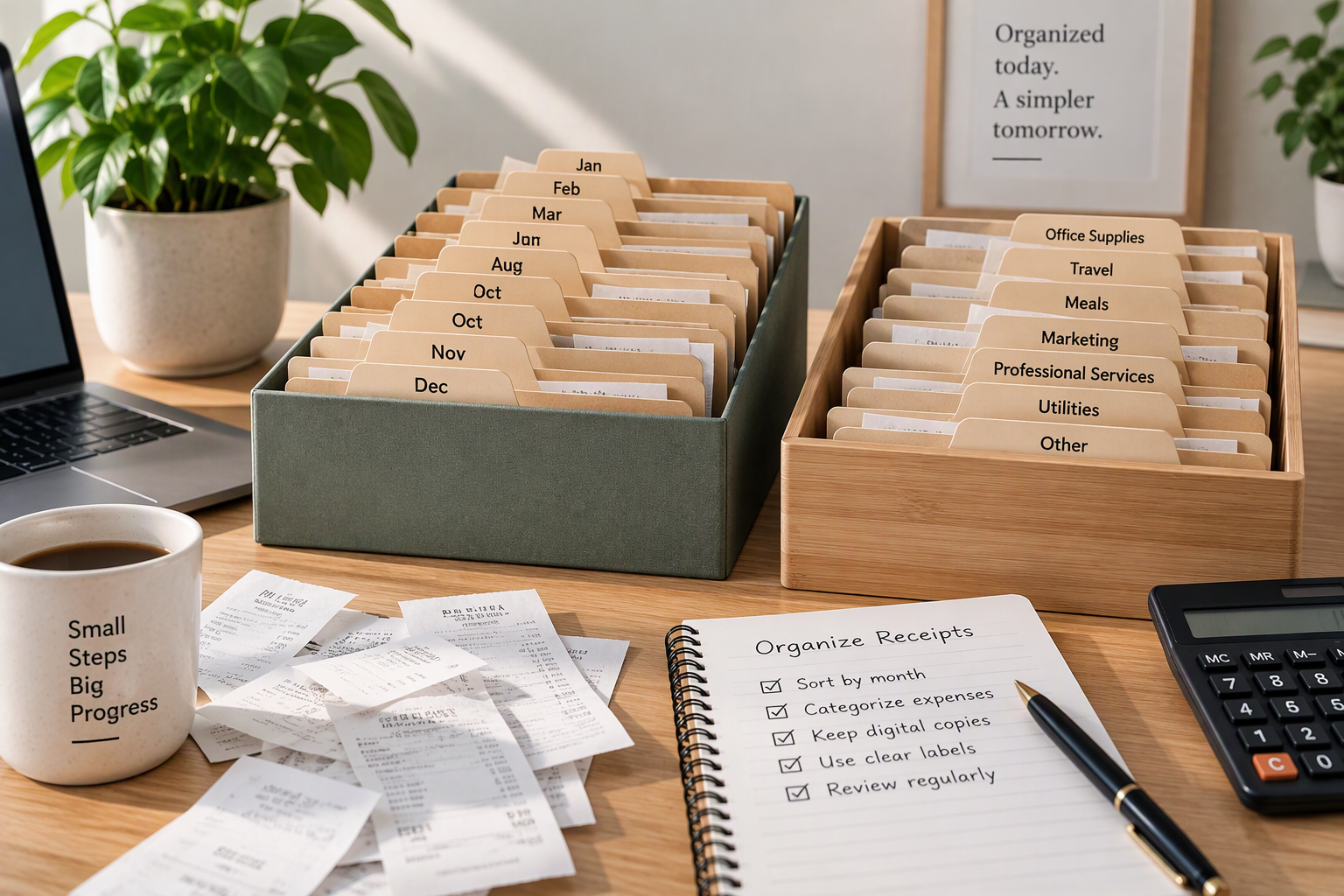
Give every month its own folder, give every receipt a category, and once a month check that the receipts add up to the expenses on your bank and card statements. Twenty minutes a month keeps receipts from turning into a year-end project.
Why month and category
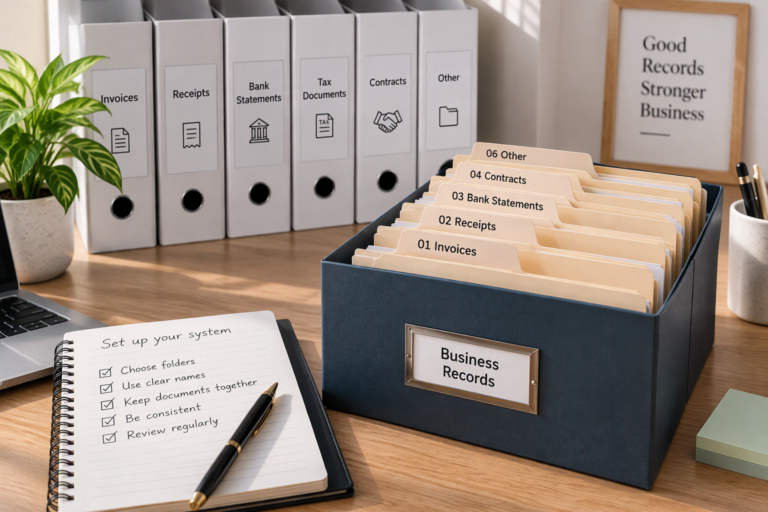
Month answers “when,” category answers “what for.” Together they let you find any receipt quickly and see where the money went. The IRS suggests keeping supporting documents orderly, for example by year and type of income or expense, and month-plus-category is a finer version of that idea.
Step 1: Choose a short list of categories
Pick categories that match how you think about your spending, and keep the list short enough to remember. A fictional design studio might use:
| Category | What goes in it |
|---|---|
| Software | Design apps, cloud storage, website tools |
| Internet and phone | Studio internet, business phone plan |
| Supplies | Paper, printing materials, small tools |
| Marketing | Online ads, printed flyers about the business |
| Professional fees | Bookkeeping, legal, design subcontractors |
| Bank fees | Account fees, card processing fees |
Use the same names every month. If your bookkeeping software or tax professional uses different names, it is easiest to adopt theirs from the start. Tax forms have their own categories; mapping your list to them is a question for a tax professional.
Step 2: One folder per month, one name per file
Inside each year’s expenses folder, create a folder for each month (2026-01, 2026-02 and so on). Name each receipt with the date, vendor, category, and amount:
2026-04-12_Inkberry-Print-Shop_supplies_65.pdf
The category in the file name means you can total a category later without opening every file. How to create a business records folder system shows where the monthly folders sit.
Step 3: File as you go, sort weekly
- Digital receipts: save them straight into the month’s folder with the standard name.
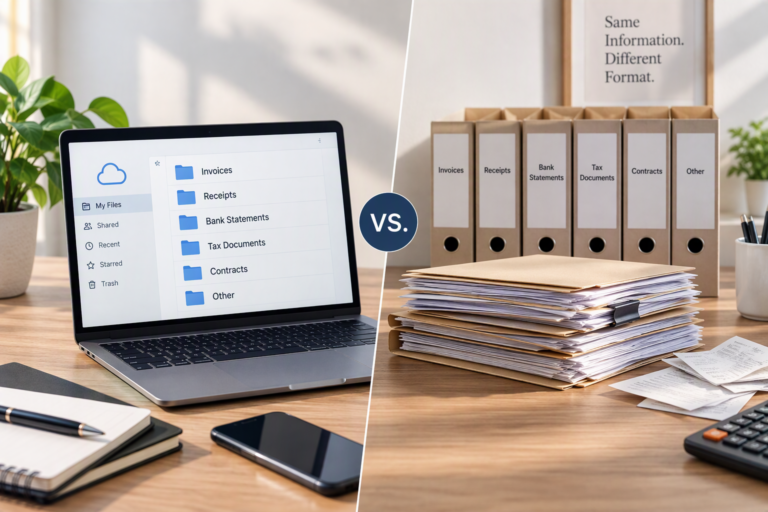
- Paper receipts: photograph or scan them within a few days, then file the image. See Digital vs paper business records.
- Weekly: clear your email and downloads of any receipts you missed.
Step 4: The monthly tie-out
Once the month ends, compare your receipts with your bank and card statements. Here is a fictional April for Ortiz Studio:
| Date | Vendor | Category | Amount | Receipt on file? |
|---|---|---|---|---|
| Apr 2 | Pixelfern Tools | Software | $50 | Yes |
| Apr 3 | Inkwren Apps | Software | $100 | Yes |
| Apr 8 | Bramblewire Internet | Internet and phone | $120 | Yes |
| Apr 12 | Inkberry Print Shop | Supplies | $65 | Yes |
| Apr 15 | Plumcast Ads | Marketing | $150 | Yes |
| Apr 20 | Tallyfern Bookkeeping | Professional fees | $200 | Yes (check #1021) |
| Apr 30 | Sample Community Bank | Bank fees | $15 | Statement line only |
Totals by category: Software $150 · Internet and phone $120 · Supplies $65 · Marketing $150 · Professional fees $200 · Bank fees $15. These are the same categories used in the sample profit and loss statement. Total: $700.
Check: $150 + $120 + $65 + $150 + $200 + $15 = $700. Everything is made up for illustration.
The tie-out answers three questions:
- Does every business payment on the statement have a receipt or other record? Bank fees often appear only on the statement, which is itself the record.
- Does every receipt match a payment? A receipt with no matching payment may be a duplicate, a refund, or a personal purchase.
- Are there personal purchases mixed in? Move them out of your expense categories. See Business expense vs personal expense.
One timing detail: the check to Tallyfern Bookkeeping was written on April 20 but took several days to clear. The receipt date and the date the bank shows can differ, so match on amount and payee, not only on date.
When a receipt is missing
It happens. Do not create a receipt after the fact. Instead:
- Ask the vendor for a copy; many can resend one by email.
- Download an order confirmation or invoice from your account with the vendor.
- If nothing is available, write a short note with the date, vendor, amount, and what the purchase was for, and keep it with the statement line that shows the payment.
Ask a tax professional whether a substitute record is enough for any expense that matters for your return.
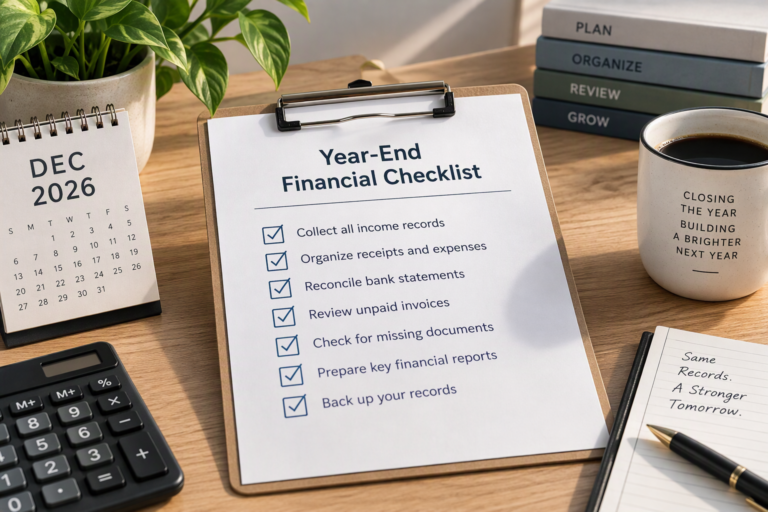
A monthly checklist
- All receipts for the month saved in the month’s folder
- Every file named with date, vendor, category, and amount
- Receipts compared with the bank and card statements
- Personal purchases moved out of expense categories
- Missing receipts requested or noted
- Category totals written down for the month
Common mistakes
- Too many categories, so the same purchase lands in different places.
- Filing by vendor only, which makes monthly totals hard.
- Skipping the tie-out, so missing and duplicate receipts go unnoticed.
- Throwing away the paper before checking the scan is readable.
What can vary
- Your categories, which depend on your business and the tools you use.
- Tax categories, which follow tax forms and rules and are a separate question.
- Volume. A business with hundreds of receipts a month may need software that reads receipts automatically.
When to ask a professional
A bookkeeper can design categories that fit your software and your tax professional’s needs. A tax professional can tell you how your categories map to tax forms.
Summary
Month folders, a short category list, consistent file names, and a monthly tie-out against your statements. Those four habits make receipts easy to find and your monthly totals easy to trust. The category totals become the expense lines of your profit and loss statement.
Sources
- IRS, What kind of records should I keep. Page shows “Last Reviewed or Updated: 03-Aug-2026.” Consulted November 17, 2026. Used for: receipts and paid bills as supporting documents; organizing documents by year and type of income or expense.
The categories, naming pattern, tie-out, and example are the editorial team’s own.