Educational only. This guide compares ways of storing business records. It does not recommend specific software or services and is not tax or legal advice.
Short answer
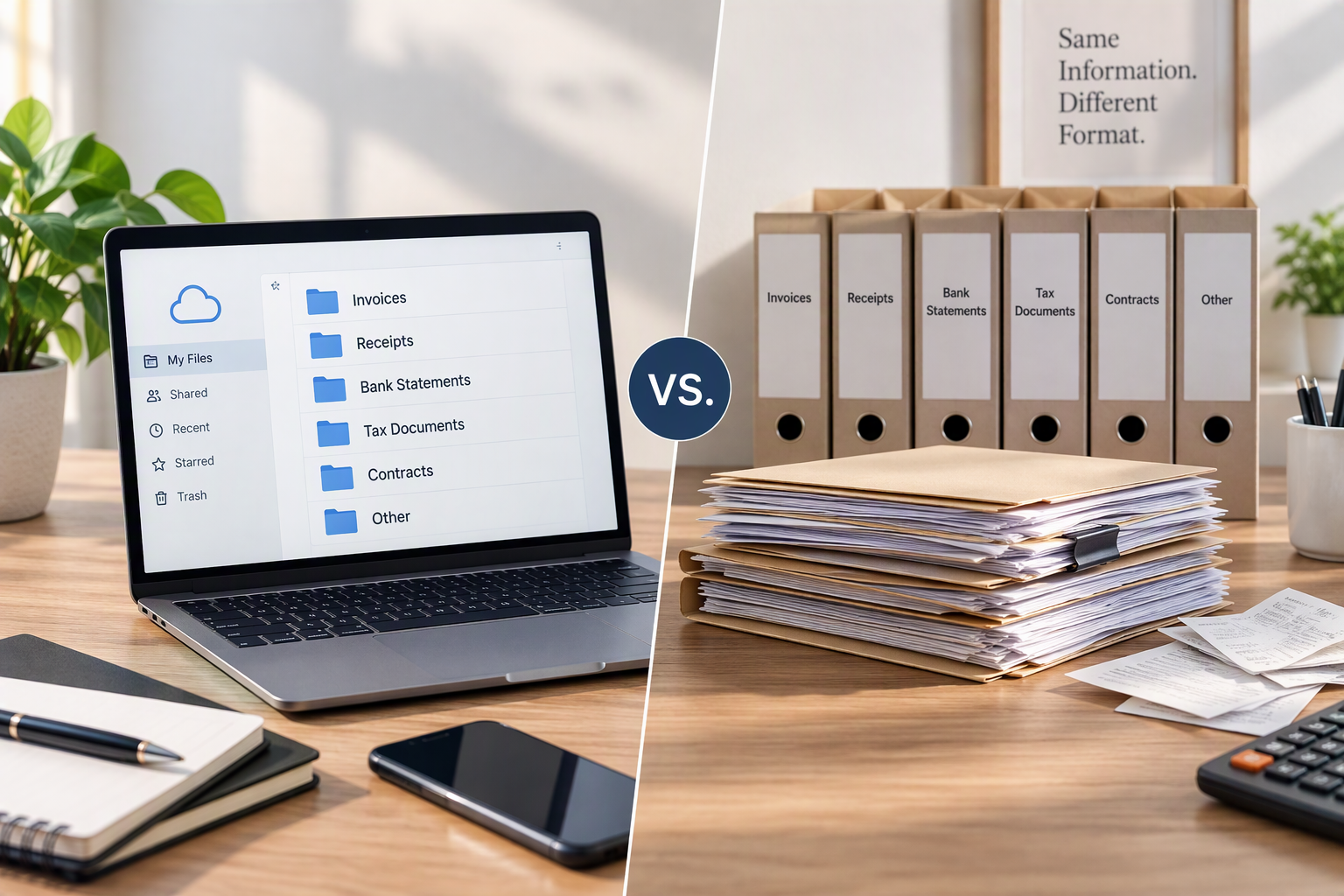
Both work. In the IRS’s words, all requirements that apply to hard copy books and records also apply to electronic records. The choice is a practical one: digital records are easier to search, back up, and share, while paper is simple but fades, gets lost, and is hard to copy. Many small businesses keep digital records as the main system and scan paper soon after it arrives.
Side by side
| Digital records | Paper records | |
|---|---|---|
| Finding a document | Search by name, date, or amount | Depends on how well the folders are kept |
| Backups | Easy to copy to a second location | Copying means photocopying or scanning |
| Risk of loss | Device failure, accidental deletion, account lockout | Fire, water, fading ink, misplaced folders |
| Sharing with a bookkeeper or tax professional | Send or share a folder | Hand over or copy the paper |
| Readability over time | Good if files stay in common formats | Thermal receipts can fade |
| Setup | A folder structure and a scanning habit | A drawer, folders, and labels |
| Security | Passwords, device protection, careful sharing | Physical security: a locked drawer or cabinet |
A practical hybrid: digital by default
Most documents already arrive digitally: emailed invoices, PDF statements, app receipts. Paper is now the exception, so a common approach is:
- Save digital documents straight into the folder system with the standard file name.
- Scan or photograph paper receipts the same day or week, before they fade.
- Check the scan is readable: date, vendor, amount, and items all visible.
- Decide what to do with the paper. Some people keep originals in a simple monthly envelope; others keep only originals that someone may ask to see. If you are unsure, keep both, and ask a tax professional.
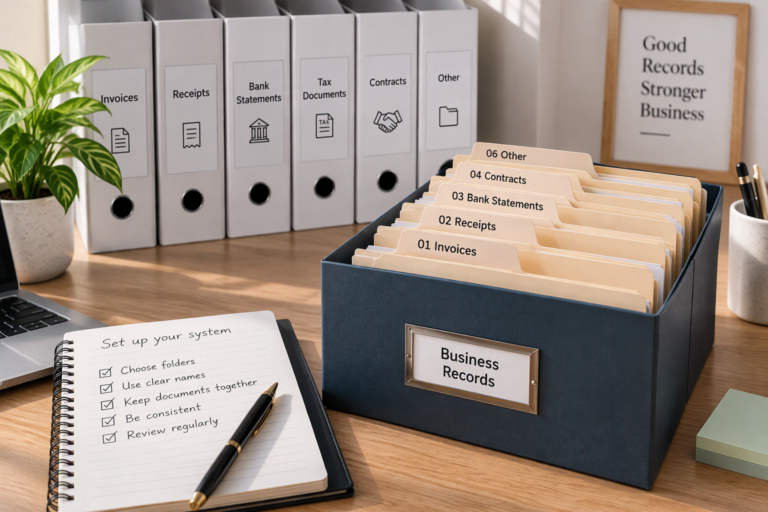
The folder layout in How to create a business records folder system works for both formats.
Making digital records reliable
- Use formats that open anywhere. PDF for documents, common image formats for photos, and spreadsheet files you can export.
- Name files consistently, starting with the date, so they sort and search well.
- Keep at least one backup in a different place from the original, for example an external drive and cloud storage, and check occasionally that the backup actually opens.
- Export data from apps and platforms. If a payment app or bookkeeping service closes your account or changes plans, your history should not disappear with it. Download statements and reports regularly.
- Protect access. Use strong, unique passwords and two-step sign-in where available, and share folders only with the people who need them.
Making paper records reliable
- One place for new paper, such as a tray, emptied weekly.
- Monthly envelopes or folders inside a yearly box.
- Copies of thermal receipts while they are still readable.
- A dry, secure storage spot.
A fictional example
Maya Ortiz runs Ortiz Studio. Almost everything she receives is digital: client payments show up in her bank account, software bills arrive by email, and her bank provides PDF statements. The exception is the occasional printed receipt from Inkberry Print Shop. Her routine:
| Document | Arrives as | What Maya does |
|---|---|---|
| Software subscription bills | Email PDF | Saves to the expenses folder for the month |
| Bank statement | PDF from the bank’s site | Downloads monthly to the banking folder |
| Print shop receipt ($65, Apr 12) | Paper | Photographs it that day, saves it with the standard name, keeps the paper in April’s envelope |
| Client payment confirmation | Saves next to the invoice it pays |
Everything is made up for illustration.
What the IRS says
On its page “What kind of records should I keep,” the IRS notes that all requirements that apply to hard copy books and records also apply to electronic records. The same page suggests keeping supporting documents orderly and in a safe place. Neither statement depends on whether the records are paper or digital; both depend on habits.
Common mistakes
- Scanning nothing until the end of the year. Receipts fade and pile up.
- Unreadable photos: cropped totals, blurry dates, glare.
- One copy only, on one laptop.
- Records locked inside an app with no export.
- Emailing sensitive documents such as full account statements without thinking about who can see them.
What can vary
- Requests from others. A lender, insurer, or auditor may ask for particular documents or originals. Ask what they accept.
- Your volume. A business with many paper receipts may need a scanner rather than a phone camera.
- Retention. How long to keep each record depends on what it supports. See the IRS page on how long to keep records.
When to ask a professional
Ask a tax professional whether you need to keep any originals and for how long. An IT professional can help set up secure backups if your records are large or sensitive.
Summary
Digital and paper records can both meet the same requirements. Digital is easier to search, back up, and share; paper needs copying before it fades. A digital-by-default system with prompt scanning, consistent names, and a tested backup is a practical choice for most small businesses. Keep the records listed in What financial records should a freelancer keep? in whichever format you choose.
Sources
- IRS, What kind of records should I keep. Page shows “Last Reviewed or Updated: 03-Aug-2026.” Consulted November 17, 2026. Used for: requirements for hard copy records also apply to electronic records; keep documents orderly and in a safe place.
- IRS, How long should I keep records?. Page shows “Last Reviewed or Updated: 30-Jun-2026.” Consulted November 17, 2026. Used for: retention depends on what the record supports.
The comparison, routine, and example are the editorial team’s own.