Educational only. This guide shows one practical way to organize business records. It is not a legal or tax requirement. Folder names and files are fictional examples.
Short answer
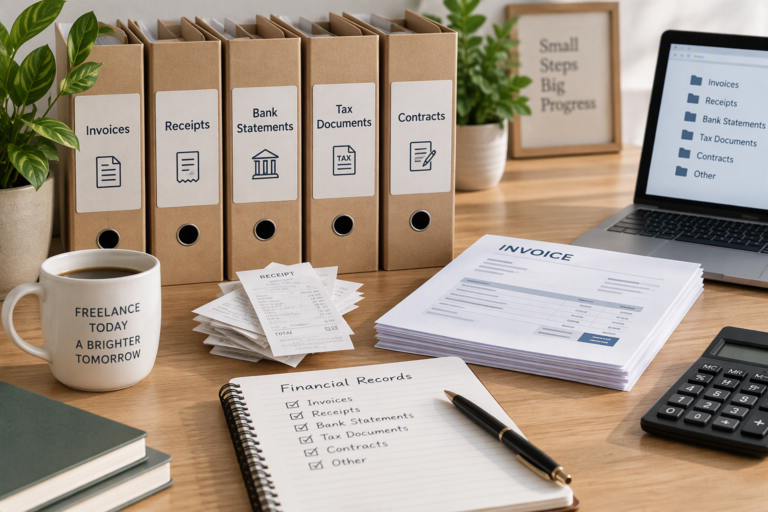
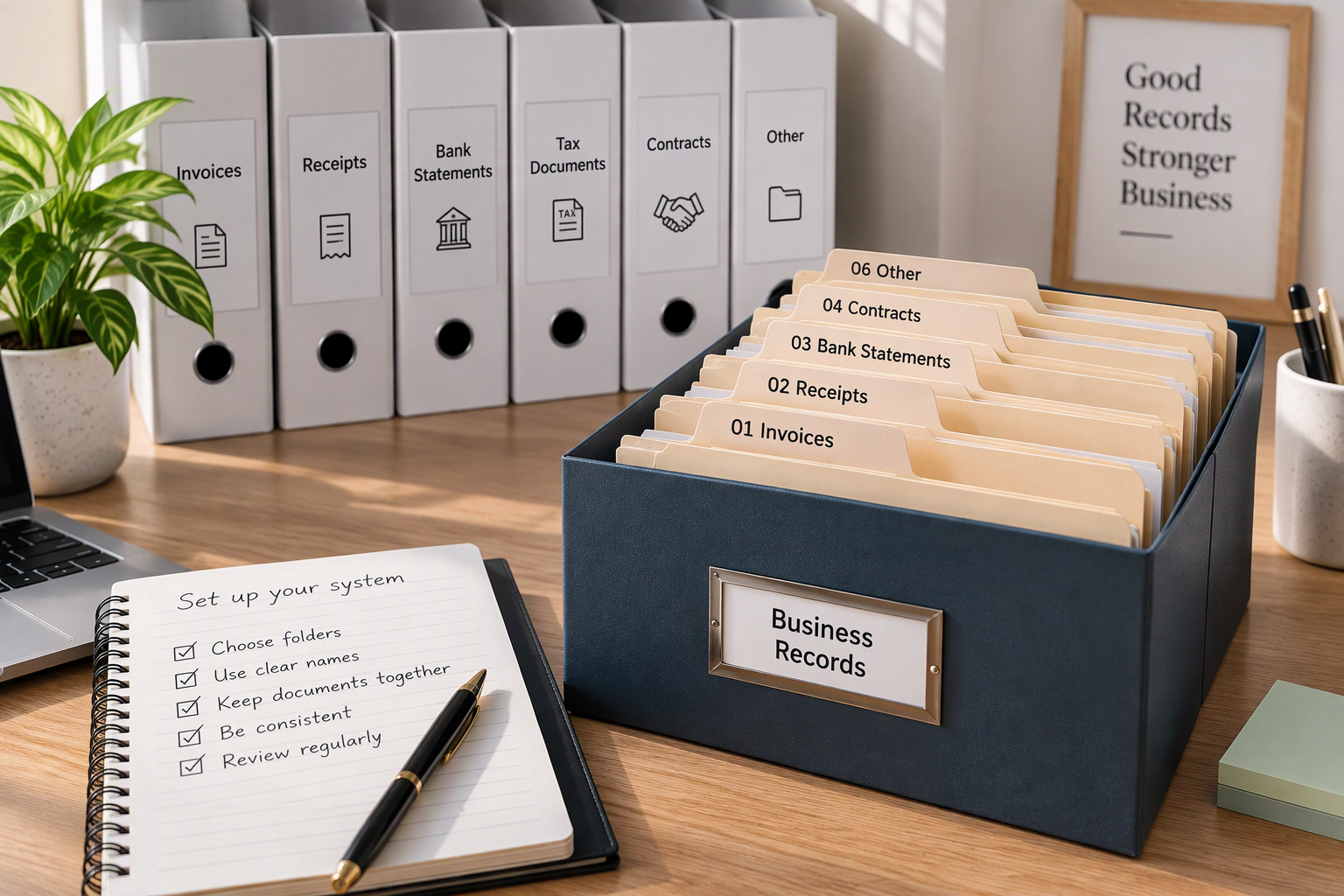
Create one folder per year, and inside it one folder per type of record: income, expenses, banking, owner transactions, assets, agreements, and summaries. Name every file the same way, starting with the date. File documents as they arrive or once a week, and the system stays useful all year.
Why a folder system helps
The IRS suggests keeping supporting documents in an orderly fashion and in a safe place, and gives an example: organize them by year and type of income or expense. A folder system is the simplest way to do exactly that. It works the same on paper (folders in a drawer) and on a computer (folders on a drive or in cloud storage).
The structure
Here is a fictional layout for Ortiz Studio’s 2026 records:
Ortiz Studio Records/
└── 2026/
    ├── 01 Income/
    │   ├── Invoices sent/
    │   └── Payments received/
    ├── 02 Expenses/
    │   ├── 2026-01/
    │   ├── 2026-02/
    │   └── … one folder per month
    ├── 03 Banking/
    │   ├── Business checking statements/
    │   └── Business card statements/
    ├── 04 Owner transactions/
    ├── 05 Assets and equipment/
    ├── 06 Agreements and quotes/
    └── 07 Summaries/
        ├── Monthly P&L/
        └── Reconciliations/
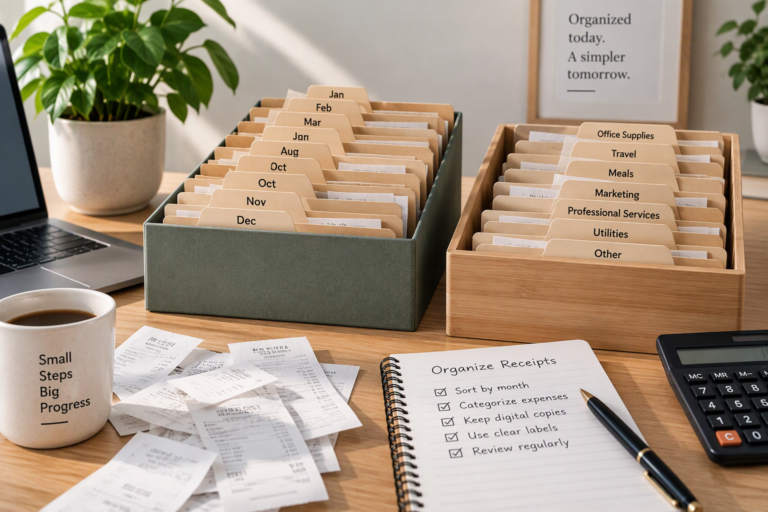
The numbers in front of the folder names keep them in the same order everywhere. Expenses are split by month because that is how most people look for a receipt: “It was sometime in March.”
What goes where
| Folder | What to put in it | Example file |
|---|---|---|
| 01 Income / Invoices sent | Every invoice, including void ones | 2026-04-01_OS-016_Harbor-Street-Books_800.pdf |
| 01 Income / Payments received | Receipts you gave, payment confirmations | 2026-04-28_payment_OS-016_800.pdf |
| 02 Expenses / month | Receipts and bills for business purchases | 2026-04-12_Inkberry-Print-Shop_supplies_65.pdf |
| 03 Banking | Monthly account and card statements | 2026-04_business-checking-statement.pdf |
| 04 Owner transactions | Notes or records of transfers to and from the owner | 2026-04-05_owner-draw_1000.pdf |
| 05 Assets and equipment | Purchase records for equipment, and records when you sell or dispose of it | 2026-02-10_laptop-purchase.pdf |
| 06 Agreements and quotes | Quotes, accepted estimates, contracts, client emails confirming scope | 2026-04-10_Q-2026-07_Moonbarrow-Yoga.pdf |
| 07 Summaries | Monthly P&L, reconciliations, year-end checklist | 2026-04_PL.pdf |
All files above are fictional examples of the naming pattern.
A file-naming pattern that scales
Use the same pattern for every file:
date_who-or-what_description_amount
- Date first, written year-month-day (2026-04-12). Files then sort in date order automatically.
- Who or what: the vendor, client, or invoice number.
- Description: two or three words.
- Amount: whole dollars are enough for finding files.
Avoid spaces and special characters if you use cloud storage or share files; hyphens and underscores travel well between systems.
Asset records deserve their own folder
Records for equipment can matter for much longer than a single year’s receipts. The IRS notes that records relating to property are generally kept until the period of limitations expires for the year in which you dispose of the property. Keeping these in one clearly labeled folder, and carrying it forward each year, avoids hunting for a laptop receipt years after the purchase.
The routine that keeps it working
- When a document arrives: rename it and drop it in the right folder, or put paper in a single “to file” tray.
- Once a week: empty the tray or downloads folder into the system. See How to organize receipts by month and category.
- Once a month: save the bank and card statements, reconcile, and save the month’s P&L in Summaries.
- Once a year: close the year’s folder, back it up, and create next year’s. How to create a year-end financial checklist covers the details.
Paper or digital?
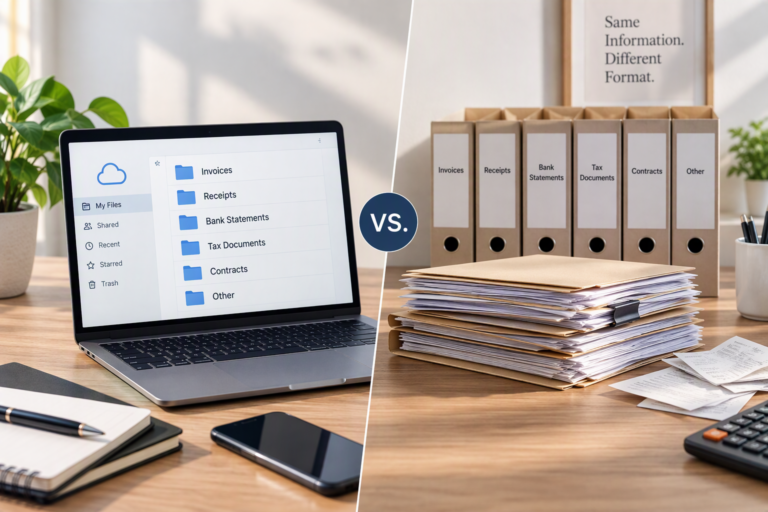
The same structure works for both. Many people keep digital files as the main system and scan paper as it arrives. The IRS says that all requirements that apply to hard copy books and records also apply to electronic records. Digital vs paper business records compares the options, including backups.
Common mistakes
- One giant “Receipts” folder with years mixed together.
- Inconsistent names (“receipt.pdf,” “scan001.pdf,” “IMG_4432.jpg”) that make search useless.
- Personal documents in business folders, or the reverse.
- No backup of the digital folders.
- Never closing a year, so old and new documents end up in the same place.
What can vary
- Your business. Add folders for payroll, inventory, or vehicles if you have them.
- Your tools. Bookkeeping software may store some documents for you; keep the folder structure for everything else.
- What others need. A bookkeeper or tax professional may prefer a particular layout. Ask before tax season.
When to ask a professional
A bookkeeper can adapt the structure to your software and catch up a backlog. A tax professional can tell you which documents to keep for tax purposes and for how long.
Summary
One folder per year, one folder per type of record, expenses by month, and one naming pattern for every file. Ten minutes a week keeps the system current. To decide what goes into the folders in the first place, start with What financial records should a freelancer keep?.
Sources
- IRS, What kind of records should I keep. Page shows “Last Reviewed or Updated: 03-Aug-2026.” Consulted November 17, 2026. Used for: keep supporting documents orderly and in a safe place, organized by year and type; electronic records follow the same requirements as hard copy.
- IRS, How long should I keep records?. Page shows “Last Reviewed or Updated: 30-Jun-2026.” Consulted November 17, 2026. Used for: records relating to property are generally kept until the period of limitations expires for the year the property is disposed of.
The folder structure, naming pattern, and routine are the editorial team’s own.